
Record voice samples
Read the provided text aloud for a few minutes in a quiet environment — clear enunciation and a steady pace are enough, with no professional equipment required.
Record a Few Minutes of Samples, Then Batch-Dub in Your Own Voice
Record a few minutes of samples and AI clones your signature voice. Clone once and use it without limit — every voiceover is your own voice, and multilingual speech is supported.
Download AIMIXThe costliest part of running a personal brand is repeated recording: a few talking-head videos a day and your throat gives out first. Voice Cloning reproduces your timbre from just a few minutes of clear samples — from then on, write your script, synthesize with one click, and let your voice do the work for you.
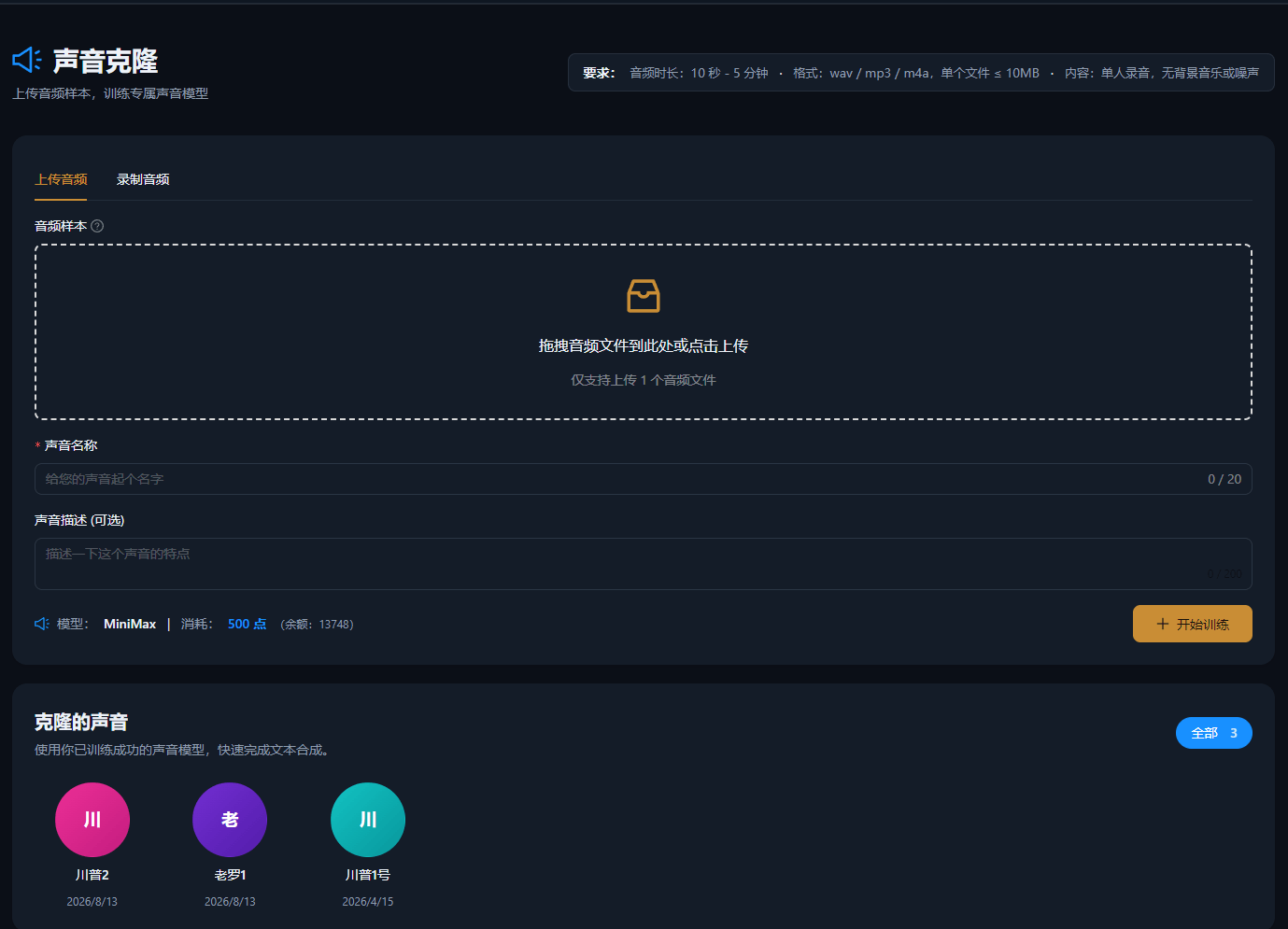
Read the provided text aloud for a few minutes in a quiet environment — clear enunciation and a steady pace are enough, with no professional equipment required.
Upload the samples and a cloned voice is trained automatically. Save it once the preview sounds right, or re-record to refine it further.
Select the cloned voice in text-to-speech, paste your script, and synthesize with one click — batch dubbing plus subtitles are supported.
The cases below are real usage records of this feature in the AIMIX desktop app, unedited.
Best for: personal brands and knowledge bloggers · keeping a consistent voice at a high publishing frequency
结构Flow: record samples → clone voice → batch-synthesize scripts → deliver videos
Daily publishing is really about turning your voice into an asset: clone the timbre once and every piece of content after that comes from it — your publishing frequency climbs while your throat stays silent.
Sample quality determines cloning quality. Watch three things:
Turn off noisy appliances such as air conditioners and fans, avoid echoey rooms, and keep the phone about 20 centimeters from your mouth.
Read at your normal speaking volume and pace — skip the forced broadcaster voice, because the clone captures your natural state.
Record the full recommended duration so your everyday intonation is covered; the fuller the samples, the higher the fidelity.
Test with a short sample first, and start formal dubbing once the result meets your expectations.
Followers keep hearing the same you, so your personal brand is never diluted by a different voice.
No more re-recording — every script revision gets a matching audio version, driving mass-production costs toward zero.
Pair it with multilingual synthesis to output foreign-language content in your own timbre and expand into overseas markets.
A few minutes of clear audio is enough to complete the clone; the cleaner and fuller the samples, the higher the fidelity.
Samples recorded in a quiet environment sound very close to the original; noisy audio or stiff reading reduces the similarity.
Yes. With multilingual synthesis, the cloned voice can deliver voiceovers in multiple languages — ideal for multi-market distribution.
Samples are used only to train the voice under your account and can be managed or deleted at any time.
Yes. Like standard voices, speed, pitch, and volume are all adjustable — fine-tune before exporting.
Both are billed by usage as shown in the in-app prompt; batch dubbing shows an estimated cost beforehand.