
Scripts and storyboards
Develop your message and organize footage into scenes.
Explore this workflowCreate product video variations in batches, clean up talking-head recordings and turn long videos into short clips. Refine every edit with captions, voiceovers and a multitrack timeline.
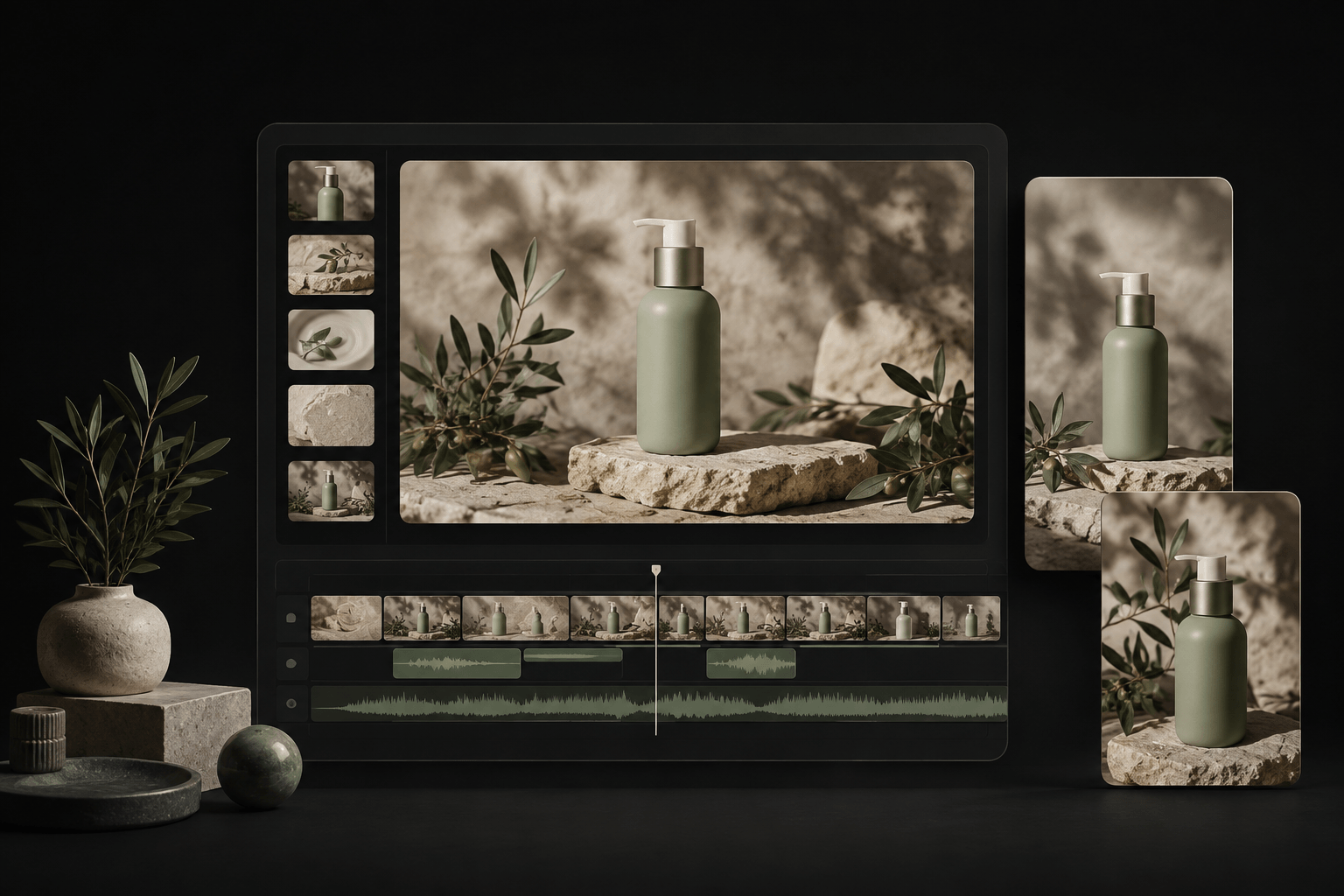
Connect the steps from the first script to the final edit.
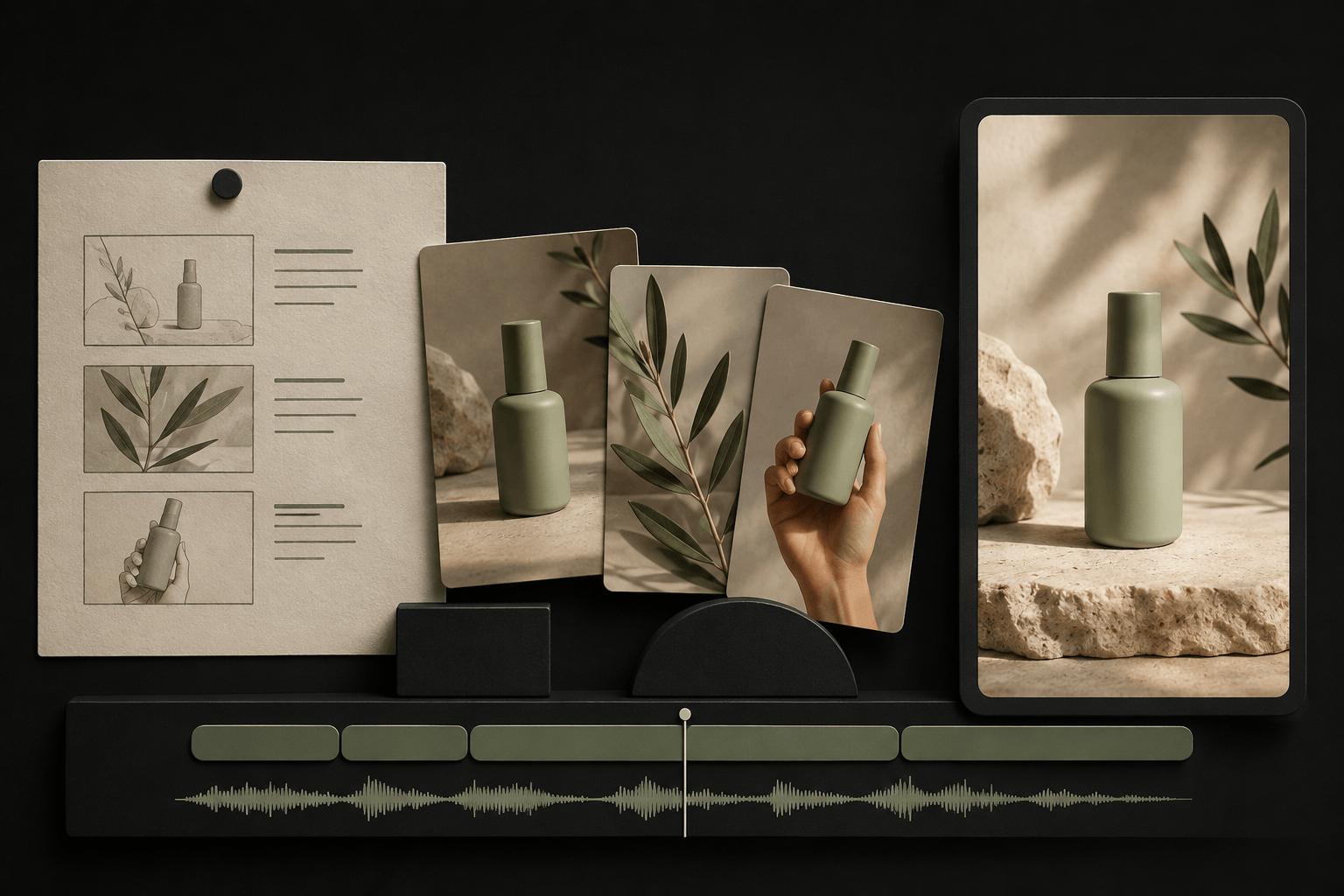
Build a script around your selling points, arrange scenes and footage, then add voiceovers and captions. Bring the creative steps together so each part of your message has a place.
Download the desktop app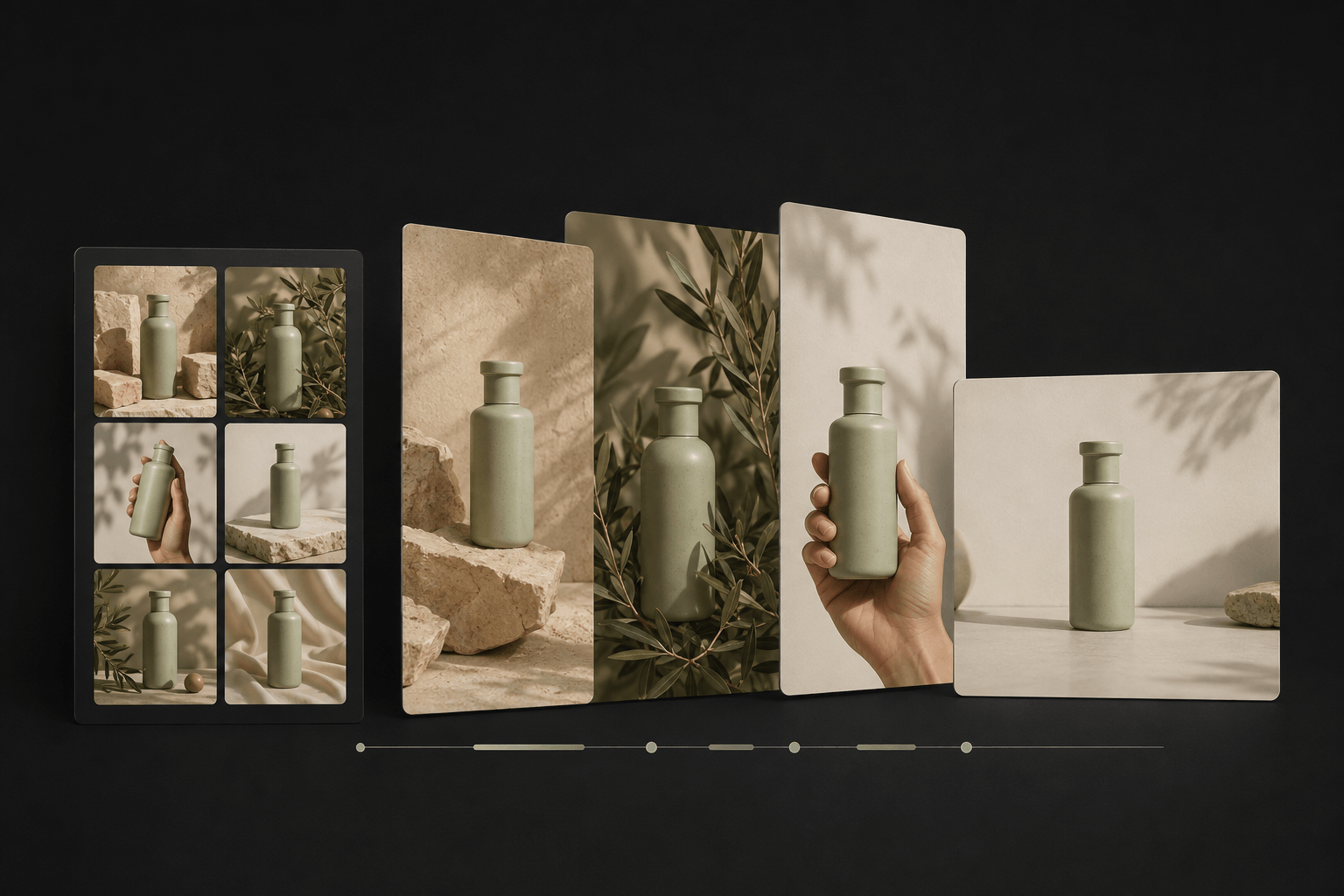
Reuse your footage and images with different openings, selling points and voiceovers. Produce video variations in batches for product promotion, social content and ad creative testing.
Download the desktop appDevelop your message and organize footage into scenes.
Explore this workflowCombine assets and scripts to create multiple video versions.
Explore this workflowAdd automatic captions and multilingual AI voiceovers.
Explore this workflowPrepare and reuse videos, images and audio across projects.
Explore this workflowIdentify pauses, filler words and repeated phrases. Choose what to remove for tighter product explanations and educational videos.
Explore this workflowExtract highlights and key moments from interviews, courses and presentations to create shorter, shareable videos.
Explore this workflowAdjust clip order and duration across video, audio and text tracks. Refine your AI-assisted edit with hands-on control.
Explore this workflowCreate copy and image content around your marketing theme to complement videos in product promotions and social posts.
Explore this workflowGive every product, audience and channel its own content.
Turn product footage and selling points into demonstration videos.
Build a steady flow of videos from your existing assets.
Create versions with different openings, messages and voiceovers.
Bring your brand story to life with scripts, visuals and sound.
Keep content production in one connected workflow.
Bring together product videos, images and scripts.
Organize scenes and choose captions and voiceovers.
Combine your assets into videos for different audiences.
Export your videos for the channels you use.