
Einen Extraktions-Modus wählen
Der Smart-Modus bewertet Segmente nach Bild und Ton, um die besten Teile zu wählen; die Übergangs-, Festdauer- und Voiceover-Modi teilen nach Struktur.
die besten Momente automatisch aus langen Videos schneiden
Vier Modi, um Highlights aus langen Videos zu ziehen: Der Smart-Modus bewertet Material nach Bild und Ton, um die herausragenden Momente zu finden, während die Übergangs-, Festdauer- und Voiceover-Modi nach Struktur teilen. Verwandeln Sie Livestream-Replays, Interviews und Kurse mit einem Klick in einsatzbereite Clips.
AIMIX herunterladenVon einem dreistündigen Livestream-Replay sind vielleicht nur zehn Minuten wirklich etwas wert – doch niemand hat die Geduld, sie Frame für Frame zu suchen. Die KI-Highlight-Extraktion zerlegt lange Videos mit vier Modi in Highlight-Clips: Der Smart-Modus findet die Highlights, die übrigen teilen nach Struktur, und jeder Clip fließt direkt in den Schnitt.
Der Smart-Modus bewertet Segmente nach Bild und Ton, um die besten Teile zu wählen; die Übergangs-, Festdauer- und Voiceover-Modi teilen nach Struktur.
Nach dem Hochladen werden Kandidaten-Clips automatisch geschnitten – sehen Sie sie in der Vorschau an, filtern Sie sie, justieren Sie Ein- und Ausstiegspunkte fein und behalten Sie nur die stärksten.
Exportieren Sie die ausgewählten Clips im Batch oder bringen Sie sie in den Super Editor, um Untertitel und Voiceover hinzuzufügen und sie als Kurzvideos zu verpacken.
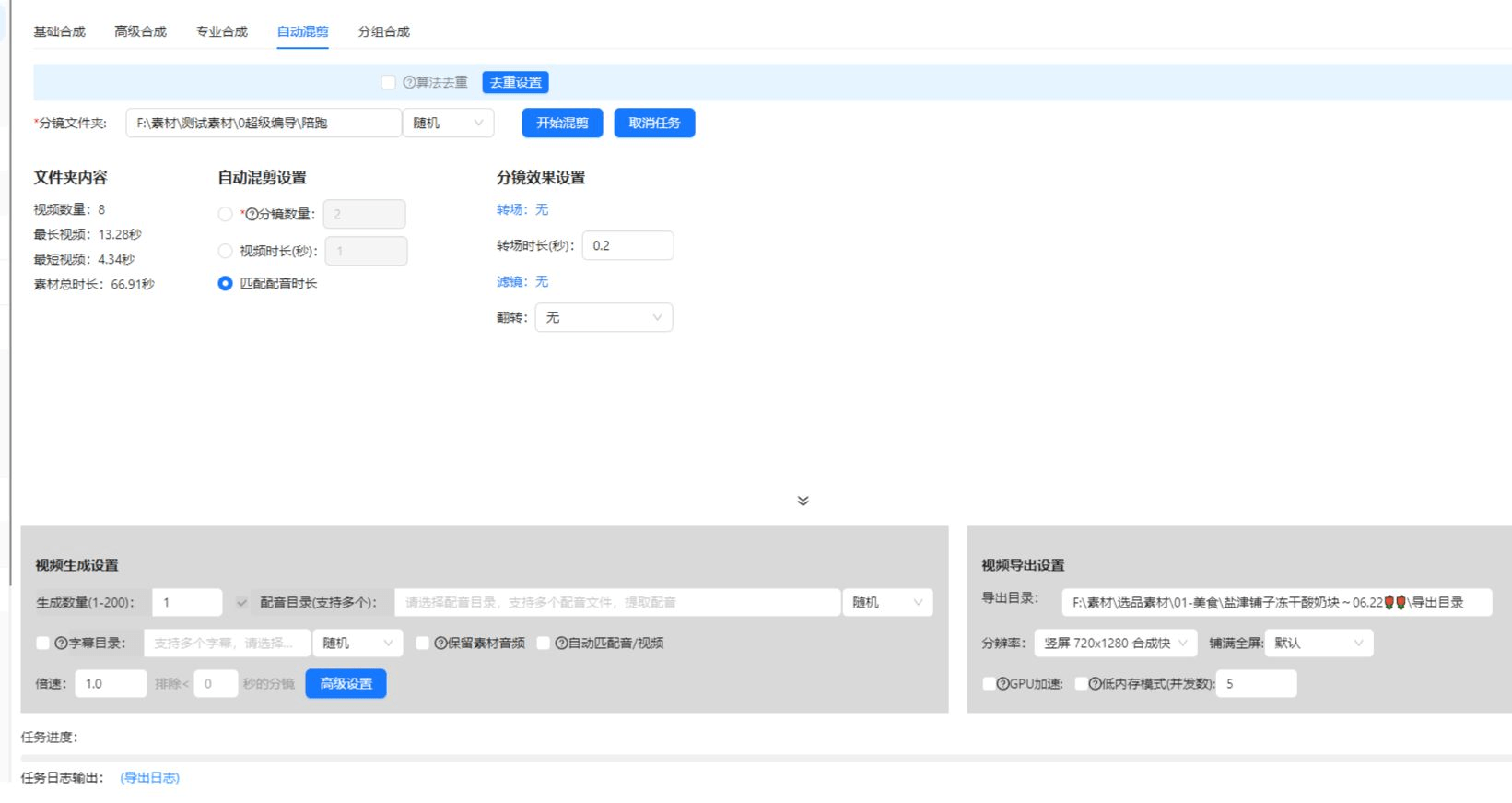
Die folgenden Fälle sind echte, unveränderte Anwendungsaufzeichnungen dieser Funktion in der AIMIX-App.
Ideal für: Handels- und Gaming-Livestreams · lange Replays mit verstreuten Highlights
结构Workflow: Livestream-Replay → Smart-Modus-Extraktion → Clips filtern → verpacken und veröffentlichen
Die Hälfte des Ertrags eines Livestreams fällt nach Stream-Ende an. Highlight-Erklärungen und herausragende Szenen werden automatisch herausgezogen – ein Stream wird zu einer Woche Kurzvideos.
Passen Sie den Modus an Ihr Material an:
Die KI bewertet Segmente nach Bild und Ton, um die besten Teile zu wählen – die erste Wahl für Livestream-Replays, Sport und Vlogs.
Teilt an erkannten Szenenwechseln – bestens geeignet für Multi-Kamera-Material mit klarer Bildsprache.
Schneidet gleichmäßig in einer eingestellten Sekundenzahl – geeignet für Überwachungsvideos und träge Streams ohne natürlichen Rhythmus.
Erkennt Sprache und teilt an Satzgrenzen – ideal für Interviews und Kurse, wo jeder Satz ein Wissenspunkt ist.
Unsicher? Lassen Sie zuerst den Smart-Modus laufen und wechseln Sie bei Bedarf zu einem strukturellen Modus.
Livestreams, Podcasts und Kurs-Replays werden zu einer Kurzvideo-Bibliothek – einmal aufnehmen, mehrfach verwerten.
Ob Ihr Material einen klaren Rhythmus hat oder nicht, es lässt sich teilen – kein Werkzeugwechsel für verschiedene Materialtypen mehr.
Highlight-Clips gehen direkt in den Super Editor und verbinden sich nahtlos mit Untertiteln, Voiceover und Batch-Remix-Erstellung.
Der Smart-Modus nutzt KI-Bewertung, um die Highlights zu finden; die anderen drei teilen nach Struktur – ersterer findet die „Momente", letztere bewahren die „Struktur".
Übliche Längen von Livestream-Replays und Kursen werden unterstützt; für besonders große Dateien prüfen Sie vorher die Längen-Grenze.
Clips behalten das ursprüngliche Seitenverhältnis; kombinieren Sie sie mit dem Video-Zuschnitt, um vor der Veröffentlichung auf 9:16 oder ein anderes Hochformat zu konvertieren.
Ja. Reihen Sie mehrere lange Videos zur Extraktion ein, und die Clips landen automatisch in Ihrer Bibliothek – ideal für einen serienweisen Kanal.
Ergebnisse unterstützen Vorschau, Filterung und Feinjustierung von Ein- und Ausstieg; bei flacher, gleichmäßiger Sprache wechseln Sie besser zum Voiceover-Modus.
Die Abrechnung erfolgt nach Dauer oder pro Aufgabe, wie im Programm angezeigt; Batch-Aufgaben zeigen vor dem Lauf eine Kostenschätzung an.