
Vælg en udtrækningstilstand
Smart tilstand scorer segmenterne efter billede og lyd for at vælge de bedste dele; overgangs-, fast længde- og speak-tilstandene opdeler efter struktur.
Klip automatisk de bedste øjeblikke ud af lange videoer
Fire tilstande til at trække højdepunkter ud af lange videoer: Smart tilstand scorer materialet efter billede og lyd for at finde de fremtrædende øjeblikke, mens overgangs-, fast længde- og speak-tilstandene opdeler efter struktur. Forvandl livestream-genudsendelser, interviews og kurser til brugklare klip med ét klik.
Download AIMIXAf en tre timer lang livestream-genudsendelse er der måske kun ti minutter, der virkelig er noget værd — men ingen har tålmodigheden til at lede efter dem billede for billede. AI-udtræk af højdepunkter opdeler lange videoer i højdepunktsklip med fire tilstande: Smart tilstand finder højdepunkterne, de øvrige opdeler efter struktur, og hvert klip flyder direkte ind i klipningen.
Smart tilstand scorer segmenterne efter billede og lyd for at vælge de bedste dele; overgangs-, fast længde- og speak-tilstandene opdeler efter struktur.
Efter upload klippes kandidatklippene automatisk — forhåndsvis og filtrér dem, finjustér ind- og udgangspunkterne, og behold kun de stærkeste.
Eksportér de valgte klip i batch, eller tag dem ind i Super Edit for at tilføje undertekster og speak og pakke dem som kortvideoer.
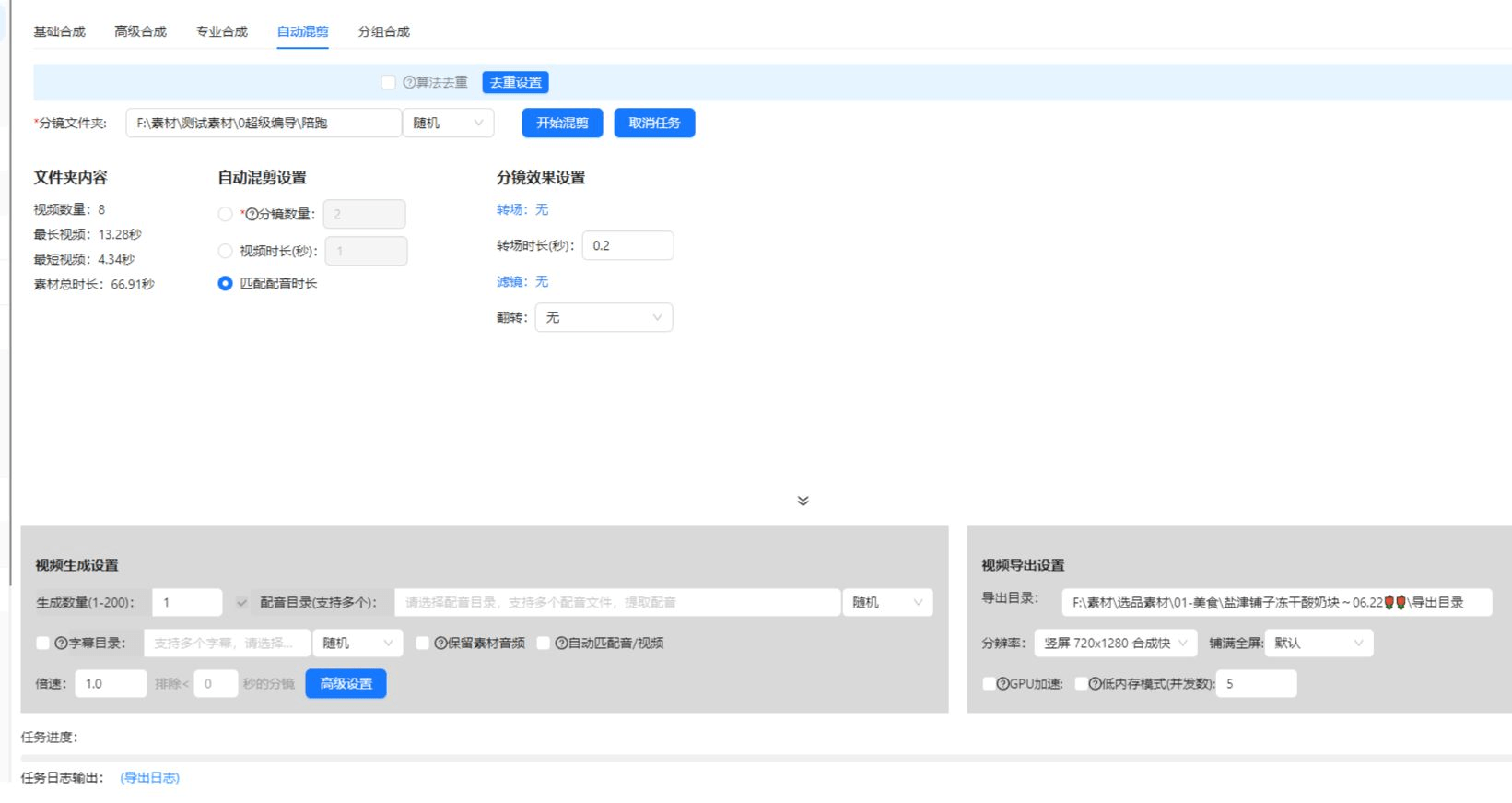
Nedenstående cases er ægte, uændrede brugsregistreringer af denne funktion i AIMIX-appen.
Bedst til: Handels- og gaming-livestreams · lange genudsendelser med spredte højdepunkter
结构Arbejdsgang: livestream-genudsendelse → udtræk i Smart tilstand → filtrér klippene → pak og udgiv
Halvdelen af udbyttet fra en livestream kommer, efter streamen er slut. Fremhævede forklaringer og fremtrædende scener trækkes ud automatisk — én stream bliver til en uges kortvideoer.
Match tilstanden til dit materiale:
AI scorer segmenterne efter billede og lyd for at vælge de bedste dele — førstevalget til livestream-genudsendelser, sport og vlogs.
Opdeler ved registrerede klipskift — velegnet til multikamera-materiale med tydeligt visuelt sprog.
Klipper jævnt med et fast antal sekunder — velegnet til overvågningsfeeds og langsomme streams uden naturlig rytme.
Genkender tale og opdeler ved sætningspauser — ideel til interviews og kurser, hvor hver sætning er ét videnspunkt.
I tvivl? Kør Smart tilstand først, og skift eventuelt til en strukturel tilstand bagefter.
Livestreams, podcasts og kursusgenudsendelser bliver til et kortvideobibliotek — optag én gang, og tjen penge mange gange.
Uanset om dit materiale har en tydelig rytme eller ej, kan det opdeles — ingen grund til at skifte værktøj til forskellige materialetyper.
Højdepunktsklippene går direkte ind i Super Edit og forbindes problemfrit med undertekster, speak og batch-remix.
Smart tilstand bruger AI-scoring til at finde højdepunkterne; de andre tre opdeler efter struktur — den første finder "øjeblikkene", de sidste bevarer "strukturen".
Typiske længder for livestream-genudsendelser og kurser understøttes alle; ved ekstra store filer bør du først kontrollere længdegrænsen.
Klippene bevarer det originale billedformat; kombiner dem med videobeskæring for at konvertere til 9:16 eller andre lodrette formater inden udgivelse.
Ja. Sæt flere lange videoer i kø til udtrækning, og klippene lander automatisk i dit bibliotek — ideelt til en seriekanal.
Resultaterne understøtter forhåndsvisning, filtrering og finjustering af ind- og udgangspunkter; ved flad tale med jævnt tempo bør du i stedet skifte til speak-tilstanden.
Afregningen sker efter længde eller pr. opgave, som vist i appen; batchopgaver viser et estimeret beløb, inden de kører.