
Uzun videodan kısa videolara: bağımsız klipler seçin ve tamamlayın
Yazar
Yayımlanma

Uzun videodan yararlı kısa videolar oluşturmak için tek soruya yanıt veren veya tam eylemi gösteren bölümleri seçin; ardından her bölümü özgün kaydı izlememiş kişi için kurgulayın. Yapay zekâ adayları düzenleyebilir; ancak son seçim yine bağlam ve bütünlük kontrolü gerektirir. Bu rehber canlı yayınları, röportajları ve kursları, klip çıkarma briefinden dışa aktarılan dosyalara kadar ele alır. Ayrı parçaları birleştirmenin yanıtı ne zaman desteklediğini ve daha kısa kesmenin konuşmacının gerçek anlamını ne zaman değiştirdiğini de açıklar.
Öne çıkanlar
- Bağımsız soruyu seçin; yanıtı, gerekli koşulları ve sonucu koruyun.
- Sınırları veya birleşmiş bölümleri onaylamadan önce aday klipleri özgün kaynak bağlamında kontrol edin.
- Teslim biçimini görünür bilgiye ve hedefin güncel gerekliliklerine göre ayarlayın.
- Altyazıları gözden geçirin ve dışa aktarılan her klibi oynatın; daha çok dosya daha çok tamamlanmış konu anlamına gelmez.
Süreyi seçmeden önce tamamlanmış konu seçin
Yararlı kısa videonun açık sorusu ve tam yanıtı vardır. İzleyicinin sonunda ne anlaması gerektiğini yazarak başlayın. “Gürültülü kayıt için ayarın neden değiştiğini açıkla” editoryal ölçüt sağlar. “En iyi anları bul” yararlı sayılanın ne olduğunu açıklamaz.
Farklı kaynak biçimleri farklı birimler önerir. Kurs bölümü ön koşul içeren gösterim taşıyabilir. Röportaj bölümü iddia ve onu destekleyen gerekçeyi içerebilir. Canlı yayın bölümü eylemi gösterirken ürün sorusunu yanıtlayabilir. Bu belirli yanıtı anlaşılır kılan parçaları koruyun.
| Kaynak | Olası bağımsız konu | Korunacak bağlam |
|---|---|---|
| Kurs | Bir ayar nasıl yapılandırılır? | Girdi koşulları, adımlar ve beklenen sonuç |
| Röportaj | Açıklama içeren tek iddia | Soru, kanıt ve tüm sınırlamalar |
| Canlı yayın | Ürün eylemi veya yanıtı | Gösterilen model ve eylemin neyi gösterdiği |
İş akışını anlamak için uzun videodan klip çıkarma genel bakışını kullanın. Tek sözlü açıklamadaki tekrar denemeler için konuşma videosu kurgu rehberi daha odaklı kaba kurgu kararlarını ele alır.
Kaydı ve editoryal klip çıkarma briefini hazırlayın
Aday istemeden önce kaynağı erişilebilir tutun ve amaçlanan izleyiciyi, konuyu, teslim biçimini belirleyin. Görev konuşma tanımayı destekliyorsa anlamı ada, sayıya, olumsuzluğa veya koşula bağlı bölümlerin çevresindeki transkripsiyonu inceleyin.
Doğrulayabileceğiniz gereklilikleri yazın
- İzleyici: izleyici zaten ne biliyor?
- Konu: her klip hangi soruya yanıt vermeli?
- Temel içerik: hangi soru, eylem, koşul veya sonuç kalmalı?
- Sunum: hangi yüz, ürün ayrıntısı veya kontrol görünür kalmalı?
- Teslim: hedefte hangi en-boy oranı ve süre gerekliliği geçerli?
Örnek brief: bu kurstan her klipte tek soru olacak şekilde aday klipler düzenleyin. Gerekli arka planı, gösterimi ve sonucu tutun. Yanıtın ne zaman geçerli olduğunu açıklayan koşulları koruyun. Tek başına anlaşılmadan önce önceki bağlama ihtiyaç duyan adayları belirleyin.
Bu istek planlama örneğidir; uygulamanın belirli sayıda veya biçimde klip döndüreceği vaadi değildir. Desteklenen iş akışını, görev kullanılabilirliğini ve kullanım bilgisini uygulamada kontrol edin. Görevi büyütmeden seçim yaklaşımını kontrol edebilmek için temsilî malzemeyle başlayın.
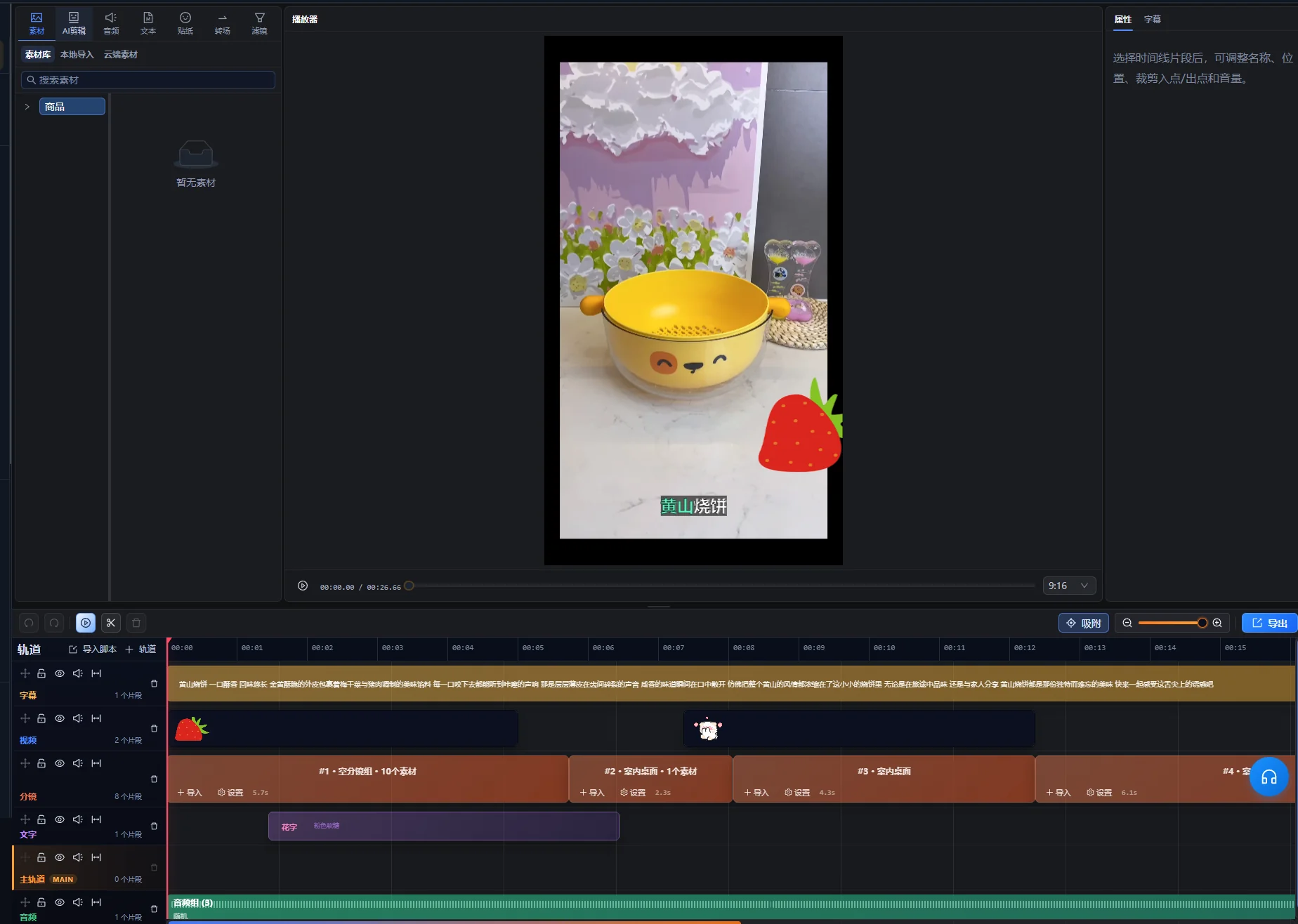
Aday klipleri kurgu çalışma alanında düzenleyin
Kurgu çalışma alanındaki yapay zekâ asistanıyla aday klipler isteyin; ardından seçimini kontrol edilecek başlangıç kümesi sayın. Desteklenen uzun video iş akışı, uygun olduğunda bitişik olmayan bölümler dahil parçaları ve düzenlenebilir zaman çizelgelerini düzenleyebilir. Bu esneklik anlam kontrolünü gerekli kılar: aynı anahtar sözcüğü içeren iki bölüm yine de farklı sorulara yanıt verebilir.
- Uzun kaydı kurgu çalışma alanına içe aktarın ve yapay zekâ asistanını açın.
- Klip çıkarma amacını ve kalması gereken içeriği belirtin.
- Aday önizlemesini inceleyin ve önerilen her konuyu belirleyin.
- Seçilen bölümleri ve çevrelerindeki kaynak bağlamını oynatın.
- Yanıt veya sıra eksikse düzeltilmiş öneri isteyin.
- Kontrolden sonra onaylı kurguyu oluşturmak için önerinin uygulama kontrolünü kullanın; ardından her klibi kurgu çalışma alanında geliştirmeye devam edin.
Aday önizlemesi bekleyen öneridir; zaten uygulanmış zaman çizelgesi değişikliği değildir. Kaynak veya zaman çizelgesi değişiklikleri öneriyi güncelliğini yitirmiş hâle getirirse önizlemeyi yeniden oluşturma kontrolünü kullanın ve uygulamadan önce yeni adayları kontrol edin. Arayüzün gerçek kontrol sözleri diline bağlıdır; bu talimatlar İngilizce etiket varsaymak yerine eylemleri tanımlar.
Her aday için kaynak referansı ve kısa seçim nedeni tutun. Basit belge konuyu, kaynak konumlarını, gerekli bağlamı ve çözülmemiş sorunları kaydedebilir. Bu rehber ayrı otomatik klip kontrol paneli varsaymaz.
Kısa klip seçim paneli adayın başlığını, süresini ve kaynak konumlarını, seçim oynatma eylemiyle birlikte sağlar. Kaynağı bulmak için bu bilgiyi kullanın; ardından gerçek bölümü önizleyin. Önerilen başlığı onaylı yayımlama başlığı değil doğrulanacak etiket sayın.
İlk doğrulama anlamsaldır: soruyu ve yanıtı tahmin etmeden adlandırabiliyor musunuz? Aday ilginç alıntı içeriyor ama anlaşılır konusu yoksa tutmaya karar vermeden önce önceki bağlamı inceleyin.
Başlangıçları, sınırlamaları ve sonları bağlam içinde kontrol edin
Önerilen giriş ve çıkış noktalarının ötesini kontrol edin. Klibin hemen öncesindeki eksik cümle kalan her şeyin anlamını değiştirebilir; hemen sonraki sonuç yanıtı tamamlamak için gerekli olabilir.
| Kontrol | Dinlenecek veya aranacak durum | Karar |
|---|---|---|
| Başlangıç | “Bu”, “o seçenek” veya sorusuz yanıt | Yeterli önceki malzemeyi tutun veya konuyu açık tanımlayın |
| Koşul | “Yalnızca şu durumda”, “olmadıkça” veya iddiaya bağlı sınırlama | Koşulu sınırladığı yanıtla birlikte tutun |
| Gösterim | Hazırlığı veya sonucu eksik eylem | Adımı anlamak için gereken parçaları koruyun |
| Son | Tamamlanmamış düşünce veya atlanan sonuç | Yanıtı tamamlamak için sonu uzatın veya değiştirin |
| Birleşmiş parçalar | Değişen soru, ürün, dönem veya konuşmacı görüşü | Birleştirilmiş sıranın özgün anlamı koruduğunu kontrol edin |
Klibi bir kez uzun kayda ilişkin hafızanıza dayanmadan kontrol edin. İzlerken “bu”nun ne olduğunu açıklamanız gerekiyorsa klip muhtemelen daha çok bağlam gerektirir. Doğru başlık konuyu tanımlayabilir; ancak kaynağın desteklediğinden güçlü iddia eklememelidir.
Ayrı bölümleri birleştirirken hem özgün bağlamlarında hem yeni sırada izleyin. Daha basit birleşim kısa olsa bile sınırlamayı ilgili ifadeye bağlı tutun.
Uygulamalı örnek: kursun bir yanıtını kısa videoya dönüştürün
Bu kurgusal kurs bölümü seçim ve kontrolü gösterir. Gerçek klip çıkarma sonucu veya performans vaka çalışması değildir. Öğrenci, alçak sesli konuşmayı kaybetmeden kayıttaki istenmeyen sessiz boşlukları nasıl kaldıracağını sorar.
Kesmeden önce kaynağı haritalayın
| Kaynak bileşeni | Sağladığı bilgi | Editoryal karar |
|---|---|---|
| Soru | Kayıtta boşluklar ve alçak sesli sözler vardır | Sorunu tutun veya başlangıçta doğru tanımlayın |
| Uzun giriş | Eğitmen ilgisiz önceki alıştırmaları tartışır | Bu yanıt için gerekmeyen malzemeyi çıkarın |
| Gösterim | Eğitmen ayarı temsilî bölümde dener | Adımı ve değerlendirmeye yetecek oynatmayı tutun |
| Koşul | Agresif ayar alçak sesli konuşmayı kaldırabilir | Gösterimin yanında tutun |
| Sonuç | Daha çok malzemeyi işlemeden örneği dinleyin ve ayarlayın | Tamamlanmış öneri olarak tutun |
Başlangıcı ve sonu olan yanıt oluşturun
Sorunla veya görevin kısa ifadesiyle başlayın; ardından temsilî denemeyi gösterin. Eğitmenin alçak sesli konuşmaya ilişkin koşulunu koruyun ve ayarları daha geniş uygulamadan önce dinleme önerisiyle bitirin.
Gösterim ve sonuç ayrı kaynak konumlarında gerçekleşiyorsa yalnızca aynı ayarla ve girdiyle ilgili olduklarında yararlı sıra oluşturabilirler. Aradaki malzemeyi değişmiş durum açısından kontrol edin. Sessiz kayıttaki denemeyi açıkça gürültülü kayda ilişkin sonuçla birleştirmeyin.
Kısa videoyu yeni izleyici gibi kontrol edin
İzleyici hangi sorunun çözüldüğünü, hangi kontrolün veya eylemin önemli olduğunu, neyi dinlemesi ve ayar yararlı konuşmayı kaldırdığında ne yapması gerektiğini bilmelidir. Klip yalnızca “bu değeri artırın” diyorsa eksik tanımlamayı tutun veya daha tam bölüm seçin.
Kabul ölçütü yanıtın kurs dışında geçerli kalıp kalmadığıdır. Uzunluğu, eylemi ve koşulu açıklamak için gereken bilgi belirler. Hedefe sığmıyorsa sınırlamayı silmek yerine ilgisiz hazırlığı kısaltın veya gerçekten ayrı sorulara bölün.
Teslim biçimini ayarlayın ve her önemli kadrajı inceleyin
Son kadrajı izleyicinin görmesi gerekenlere göre seçin. Sunucunun yüzünü tutup gösterilen kontrolü kaldıran dikey kırpma, özgün kayıttaki açıklamayı vermez.
10 Ekim 2026 tarihinde kontrol edildiği üzere YouTube’un üç dakikalık YouTube Shorts açıklaması standart YouTube kanallarında 15 Ekim 2024 tarihinden itibaren yüklenen, en fazla üç dakika uzunluğundaki kare veya dikey videoların Shorts olarak sınıflandırıldığını belirtir. Official Artist Channels için ayrı geçmiş eşik tarihi vardır. Teslim hazırlarken kanalınız ve yükleme tarihiniz için bağlantılı rehberi kontrol edin. Bu sınıflandırma kuralıdır; uygulama işleme sınırı değildir.
Kadrajı eylemin tamamı boyunca kontrol edin
- Başlangıç kompozisyonunu kontrol edin ve konuyu belirleyin.
- Hareket eden yüzleri, elleri, ürünleri ve gösterilen kontrolleri takip edin.
- Ekran kayıtlarında yeniden kadrajdan sonra fazla küçülen metni inceleyin.
- Gerekli bilgiyi kapatmadan altyazı alanı ayırın.
- Farklı kadrajlı bölümler arasındaki her geçişi kontrol edin.
Gerektiğinde kırpma iş akışını ve elle zaman çizelgesi düzeltmesini kullanın. Tek kırpma hem kişiyi hem geniş gösterimi gösteremiyorsa açıklamayı koruyan farklı düzen veya kaynak bölüm düşünün. Otomatik kırpmanın derste hangi küçük kontrolün önemli olduğuna karar verebileceğini varsaymayın.
Son klibe altyazı ekleyin ve yararlı görsel bilgiyi koruyun
Son kurgulanmış klip için altyazı oluşturun veya düzeltin; ardından konuşmayla inceleyin. Bölümler çıkarıldıktan veya sıralandıktan sonra kaynak altyazıları artık eşleşmeyebilir. Ürün adlarına, miktarlara, koşullara ve olumsuzluklara özellikle dikkat edin.
W3C’nin altyazı rehberi erişilebilir altyazıların ilgili konuşma dışı sesi ve konuşmacı bilgisini de aktardığını açıklar. Röportajda konuşmacı tanımlaması önemli olabilir. Gösterimde duyulur tıklama eylemin tamamlandığını doğrulayabilir. Anlama için gerekli bilgiyi dahil edin.
W3C’nin ses ve video içeriği rehberi açık ses, okunabilir üst metin ve bilgiyi işlemek için süre de önerir. Bu kontrolleri kısa videonun kendisine uygulayın: kırpma veya hızlı sıra, önceden açık gösterimi takip etmeyi zorlaştırabilir.
Metni ve sesi ayrı katmanlar olarak kontrol edin
- Altyazıları son sesle gözden geçirin.
- Zamanlamayı ve okunabilir satır sonlarını kontrol edin.
- Yüzler, kontroller ve ürün ayrıntıları üzerindeki yerleşimi inceleyin.
- Birleşimlerde kesilen sözleri veya ani ses değişikliklerini dinleyin.
- Yanıtı örttüğünde rakip müziği azaltın.
İlgili ürün iş akışını altyazı oluşturma genel bakışı ele alır. Altyazı konuşulan içeriği doğru temsil etmelidir; değiştirmek yanlış veya eksik sözlü yanıtı düzeltemez.
Tek başına anlaşılmayan adayları düzeltin
Klip tam yanıt içermiyorsa seçimi yeniden değerlendirin. Sunum iyileştirilebilir; ancak ilgisiz parçanın eksik gerekçelendirmeyi sağlamasını mümkün kılmaz.
| Belirti | Olası neden | Sonraki kontrol veya düzeltme |
|---|---|---|
| Başlangıç bilinmeyen soruyu yanıtlar | Soru veya konu çıkarılmıştır | Önceki kaynak bağlamını inceleyin ve gerekli konuyu tutun veya tanımlayın |
| İddia kaynaktan daha geniş duyulur | Sınırlama kesilmiştir | İddianın yanına sınırlamayı geri getirin |
| Gösterim sonucundan önce biter | Aday sınırı eylem yerine konuşmayı izler | Yararlı sonucu göstermek için sonu uzatın veya değiştirin |
| Birleşmiş parçalar çelişir | Farklı durum veya sorularla ilgilidir | Özgün bağlamları karşılaştırın ve gerektiğinde konuları ayırın |
| Dikey klip kontrolü gizler | Kırpma yanlış alanı önceler | Gösterim boyunca yeniden kadrajlayın veya uygun düzen kullanın |
| Altyazılar artık sırayla eşleşmez | Uzun kaynağı veya önceki kesmeyi yansıtır | Bitmiş kliple kontrol edin |
| Birkaç klip aynı yanıtı tekrarlar | Seçim ayrı konular yerine benzer bölümleri tercih etmiştir | Her adayın sorusunu ve çıkarımını karşılaştırın |
Konu hâlâ çok fazla önceki açıklama gerektiriyorsa kısa yerine uzun bölüm olarak daha uygun olabilir. Adayı reddetmek yararlı editoryal sonuçtur. Çıkarılan dosya sayısı, kaynağın o kadar ayrı tam yanıt verdiğinin kanıtı değildir.
Dışa aktarılan klipleri kontrol edin ve kaynak bağlamlarını kaydedin
Dışa aktarılan her dosyayı tek tek onaylayın. Ortak ayarlar tekrar hazırlığı azaltabilir; ancak her klibin kendi sınırları, anlamı ve görünür eylemi vardır. Temiz ilk çıktı diğerlerinin tam olduğunu göstermez.
Desteklenen klip çıkarma iş akışı ayrı dışa aktarmalar için bağımsız klipler hazırlayabilir. Hangi çıktıların teslim edildiğini doğrulayın ve oluşan her dosyayı oynatın. Teslim briefi açıkça derleme istemiyorsa bağımsız konu kliplerini ayrı tutun.
- Klip tek tanımlanabilir soruyu yanıtlar.
- Başlangıç kaynağı bilmeyen kişi için anlaşılırdır.
- Gerekli sınırlama, gösterim ve sonuç kalmıştır.
- Birleşmiş parçalar kaynağın anlamını korur.
- Önemli konu ve eylem görünür kalır.
- Dışa aktarılan dosyada altyazılar, konuşma ve destek ses doğrudur.
- Dosya seçilen hedef gerekliliklerine uyar.
Konuyu, kaynak konumlarını, bitmiş dosya adını ve editoryal değişiklikleri projenin yanında kaydedin. Klibe gerçek yanıtına dayalı doğru başlık verin. Daha sonra dağıtım verilerini incelerseniz yayımlanan içeriği anlamak için kayıtları kullanın; yalnızca üretim hacmi seçimin etkili olduğunu göstermez.
Sonraki kaynakta temsilî tek soru seçin ve önce tüm süreçten geçirin. Seçimi, kadrajı, altyazıları ve dışa aktarmayı inceleyebildiğinizde diğer ayrı konulara genişletin.
Sık sorulan sorular
Tek kayıttan kaç kısa video yapmalıyım?
Tam bağımsız kliplere dönüşebilen ayrı konuları seçin. Bazı kayıtlar pek çok yararlı yanıt içerir; diğerleri önceki bağlama büyük ölçüde bağlıdır. Kayıt süresinden kota belirlemek yerine konu örtüşmesini ve bütünlüğü değerlendirin.
Kısa video farklı kaynak konumlarından bölümler birleştirebilir mi?
Desteklenen iş akışları bitişik olmayan parçaları düzenleyebilir. Her bölümü özgün bağlamında kontrol edin ve birleştirilmiş anlamı inceleyin. Gerekli koşulları tutun ve farklı durumlara ilişkin yanıtları tek ifade gibi birleştirmeyin.
Her kısa video sonuçla mı başlamalı?
Önceki hazırlık olmadan anlaşılır ve doğru olduğunda sonucu önce kullanın. Bazı gösterimler yanıttan önce sorun veya koşul gerektirir. Her kaynağa aynı yapı uygulamak yerine gerçek konuyu açık kılan başlangıcı seçin.
Her platform için aynı çıktıyı kullanabilir miyim?
Hedefin güncel biçim gerekliliklerini kontrol edin ve izleme arayüzünün klibi nasıl sunduğunu inceleyin. Aynı dosya birkaç yerde kullanılabilir; ancak tek hedefte uygun süre veya kırpma başka yerde eşit derecede iyi çalıştığını göstermez.