
Videoyu ve altyazı metnini içe aktarın
Videoyu ve altyazı taslağını birlikte Altyazı Zamanlama'ya getirin: kendi metninizi yapıştırın ya da Metin Çıkarma sonuçlarını kullanın. Birden fazla video toplu içe aktarılabilir; tek görev tüm seti yönetir.
Her Satırı Zaman Çizelgesine Hizalayın; Toplu İşleme ve AI Kalibrasyonuyla
Videolarınızın altyazı zamanlamasını satır satır hizalayın: zaman damgası olmayan çevrilmiş taslaklar ve dış altyazı metinleri hızla zaman çizelgesine oturur. Elle ince ayar ve AI otomatik kalibrasyonun ikisi de desteklenir; toplu görevler birden fazla videoyu aynı anda işler ve bitmiş altyazılar doğrudan kurgu iş akışınıza gider.
AIMIX’i indirElinizde çevrilmiş iki dilli bir taslak ya da temizlenmiş bir seslendirme transkripti var — zor olan altyazıyı yazmak değil. Her satırın tam doğru anda görünmesi: işaretçileri tek tek sürüklemek, birkaç dakikalık videoyu yarım saatlik işe çevirir. Altyazı Zamanlama bunu zaman çizelgesi araçlarına devreder: hassasiyet için her satırı sürükleyerek hizalayın ya da AI'ya konuşmaya göre zamanlama noktalarını kalibre ettirin — satır satır; altyazılar ne erken açılır ne geride kalır.
Videoyu ve altyazı taslağını birlikte Altyazı Zamanlama'ya getirin: kendi metninizi yapıştırın ya da Metin Çıkarma sonuçlarını kullanın. Birden fazla video toplu içe aktarılabilir; tek görev tüm seti yönetir.
Altyazıları zaman çizelgesinde satır satır yerine sürükleyin; AI kalibrasyonu açıkken sistem her altyazı satırının giriş ve çıkış noktalarını konuşmayla otomatik eşleştirir — uzun cümeler ve hızlı konuşanlar bile tam yerine oturur; nadir sapmalar elle küçük bir dokunuşla düzelir.
Altyazı ve konuşma eşzamanlılığını satır satır önizleyin, tekil zaman noktalarını ince ayarlayın ve dışa aktarın; bitmiş altyazılar daha fazla çalışma için Super Edit ile devam edebilir ya da bitmiş videoyla birlikte dışa aktarılır.
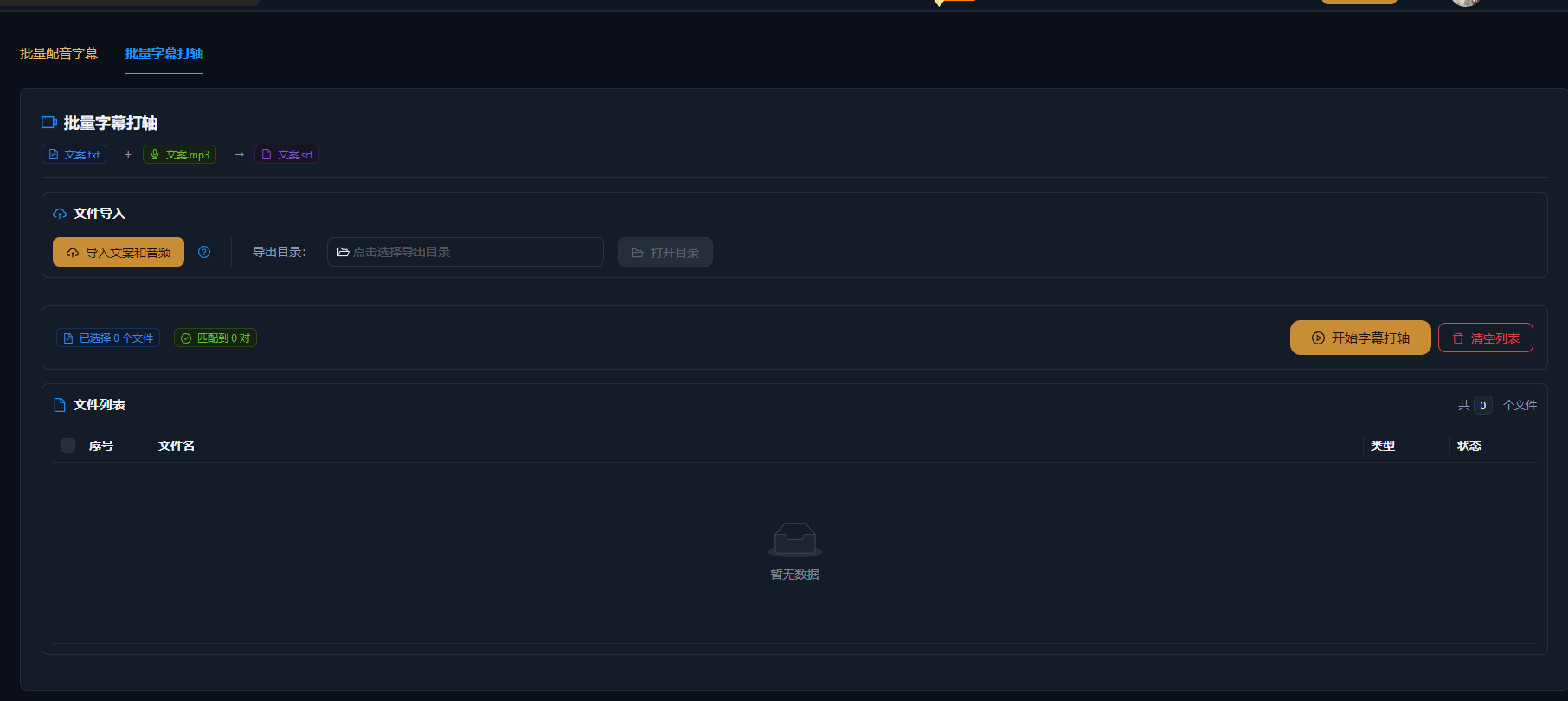
Aşağıdaki vakalar, AIMIX uygulamasında bu özelliğin gerçek ve düzenlenmemiş kullanım kayıtlarıdır.
En uygun olduğu yer: karşılıklı konuşma videoları ve kursların çok dilli versiyonları · satır satır hizalama gerektiren çeviri taslakları
结构İş akışı: kaynak video + çevrilmiş altyazı taslağı → AI kalibrasyonu her satırı zamanlar → ince ayarla ve iki dilli altyazıları dışa aktar
Seslendirme senaryosunu çeviriye gönderirsiniz; geriye zaman damgası olmayan düz metin döner — iki dilli altyazının son kilometresi tamamen zamanlamadır. Videoları ve çeviri taslaklarını toplu olarak Altyazı Zamanlama'ya aktarın, AI her satırı konuşmaya göre kalibre etsin, arada elle gözden geçirin; düzinelerce videonun iki dilli altyazısı yarım günde biter.
Altyazı Üretimi transkripsiyonu halleder; Altyazı Zamanlama hizalamayı:
ı
I
o
Videonun henüz transkripti yoksa önce Metin Çıkarma'yı çalıştırıp senaryoyu alın, sonra hizalama için zamanlamaya geçin — iki adım sorunsuz zincirlenir.
Altyazılar konuşmayı izler — ne erken ne geç — profesyonel yayın cilasıyla eşleşir.
İşaretçi işaretçi sürükleme yok — AI giriş ve çıkış noktalarını konuşmadan kalibre eder; siz yalnızca istisnaları ince ayarlarsınız.
Birden fazla video tek görevde zamanlanır; hesap matrisleri ve çok dilli versiyonlar için altyazılar toplu çıkar.
Altyazı Üretimi konuşmadan altyazı yazar; Altyazı Zamanlama elinizdeki mevcut altyazı metnini zaman çizelgesine satır satır hizalar — hizalama sorununu çözer.
AI kalibrasyonu AI analizi kullanır ve uygulamada gösterildiği gibi görev başına puan harcar; tamamen elle zamanlama ücretsizdir.
Karşılıklı konuşma videoları ve kurslar gibi net konuşulan içerikte yüksek doğruluğa ulaşır; hızlı konuşma ya da uzun cümlerde kayma olursa tekil noktalara elle dokunuş düzeltir.
Toplu görevler desteklenir; kesin sınır uygulamaya göredir. Her grubu gözden geçirebileceğiniz bir büyüklükte tutun ve grup grup ilerleyin.
Evet. Zamanlama sonuçları videoyla birlikte dışa aktarılır ya da Super Edit ile devam eder; çeviriyle eşleşerek iki dilli altyazılar üretir.
İçe ve dışa aktarma için yaygın altyazı formatları desteklenir; tam liste için uygulamaya bakın — düz metni zaman çizelgesine yapıştırmak da çalışır.